
PiShock vs. OpenShock: The Ultimate Guide to Controlling Your Electronic Collars in BDSM (2026)

Introduction: Why Choose Between PiShock and OpenShock?
Remote control tools for electric stimulation collars have revolutionized online BDSM practices, especially in virtual environments like VRChat or Second Life. Two solutions stand out: PiShock, a ready-to-use platform, and OpenShock, an open-source, modular solution. But which one should you choose? This article details their features, advantages, and disadvantages to help you make an informed decision.
PiShock: Features, Installation, and Compatibility
PiShock is an all-in-one solution developed to simplify the use of electric collars. Here are its key features:
- Integrated WiFi Hub: The core of the system connects to the internet via a 2.4 GHz WiFi network, allowing for real-time control from any connected device.
- Versatile Shockers: The stimulation modules (available in two colors) offer advanced features such as vibrations, sound beeps, and adjustable shocks. They are also water-resistant and equipped with high-quality clamps (including a glow-in-the-dark version).
- Software Compatibility: PiShock offers native integrations with platforms like VRChat, Discord, or even video games via dedicated plugins. For example, the PiShock hub for Second Life allows you to control your collars directly from your avatar.
- Automatic Updates: The official documentation (PiShock V3) states that firmware updates are rare and generally pushed automatically to add features or fix bugs.
"PiShock is ideal for users looking for a plug-and-play solution, with dedicated technical support and an active community on Discord."
OpenShock: Hardware and Software Flexibility
OpenShock is an open-source alternative that focuses on modularity and self-construction. Here's what sets it apart:
- Open-Source Hardware: Based on ESP32 microcontrollers, OpenShock uses 433 MHz radio transmitters to communicate with the collars. This allows you to build your own hub at a lower cost, using readily available components.
- Reverse-Engineered Protocols: The project (GitHub OpenShock) provides firmware compatible with a wide range of commercially available electric collars by decrypting their proprietary protocols.
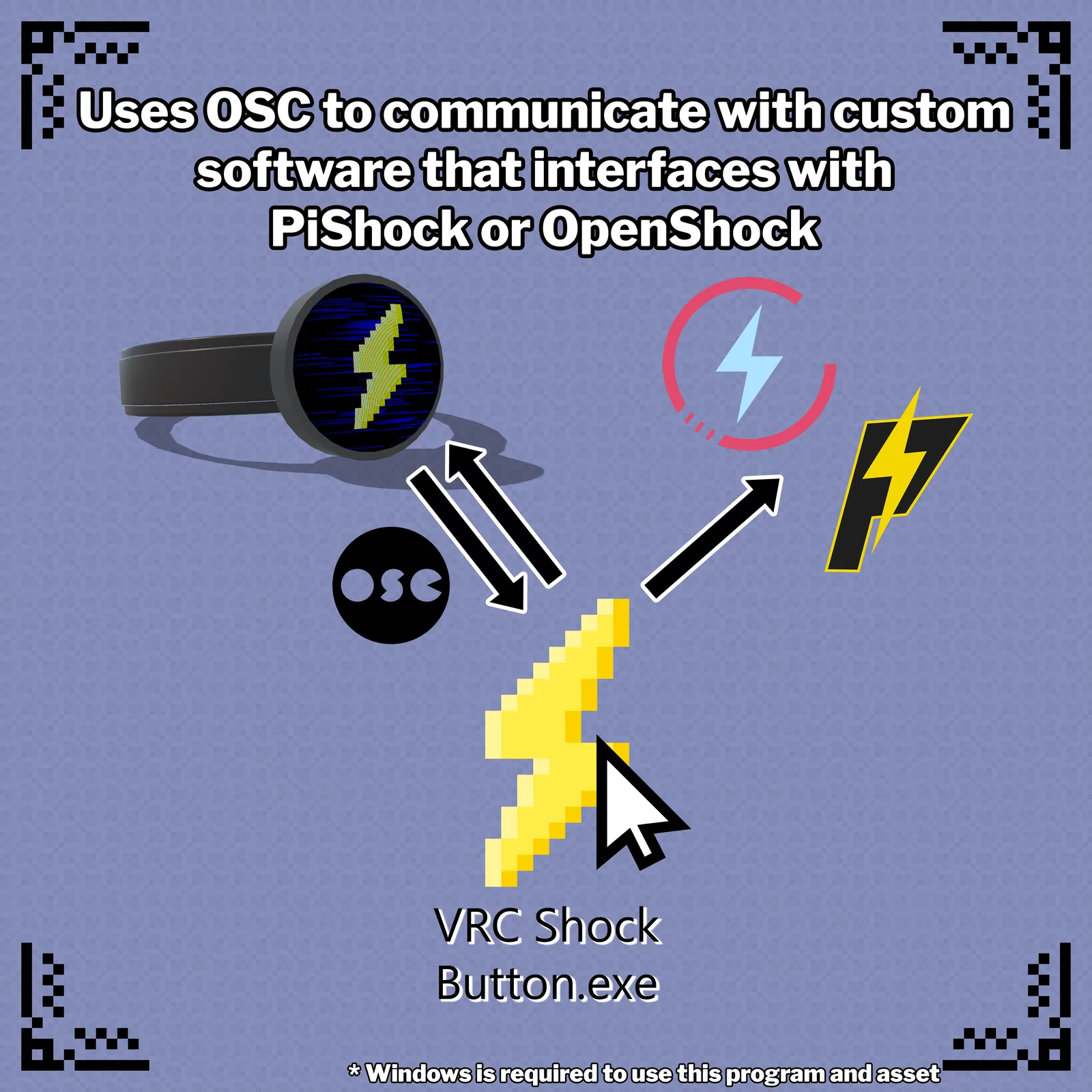
- Advanced Integrations: OpenShock supports protocols like OSC (Open Sound Control), allowing connections with third-party software. For example, the Shock-Collar-OSC-Bridge project facilitates use with Liindy collars via PiShock or OpenShock.
- Community and Documentation: The OpenShock wiki offers detailed guides for beginners, including strict safety rules that must be followed.
"OpenShock is perfect for DIY enthusiasts or those who want to customize their setup. The GitHub community is very active and offers solutions for very specific use cases."
Technical Comparison: WiFi vs. RF 433 MHz
The choice between the two systems largely depends on your technical needs and environment:
| Criterion | PiShock | OpenShock |
|---|---|---|
| Connection Type | WiFi 2.4 GHz (requires a router) + 433Mhz | WiFi 2.4 GHz (requires a router) + 433Mhz |
| Range | Up to <500 meters outdoors, less sensitive to obstacles | Up to <500 meters outdoors, less sensitive to obstacles |
| Cost | High initial investment (hub + shockers) | Reduced cost if self-built (ESP32 + 433 MHz transmitter) |
| Customization | Limited to the features offered by PiShock | Unlimited (firmware modification, adding sensors, etc.) |
Use Cases: When to Prefer One Over the Other?
Here are some scenarios where one system or the other will be more suitable:
- For beginners or occasional users:
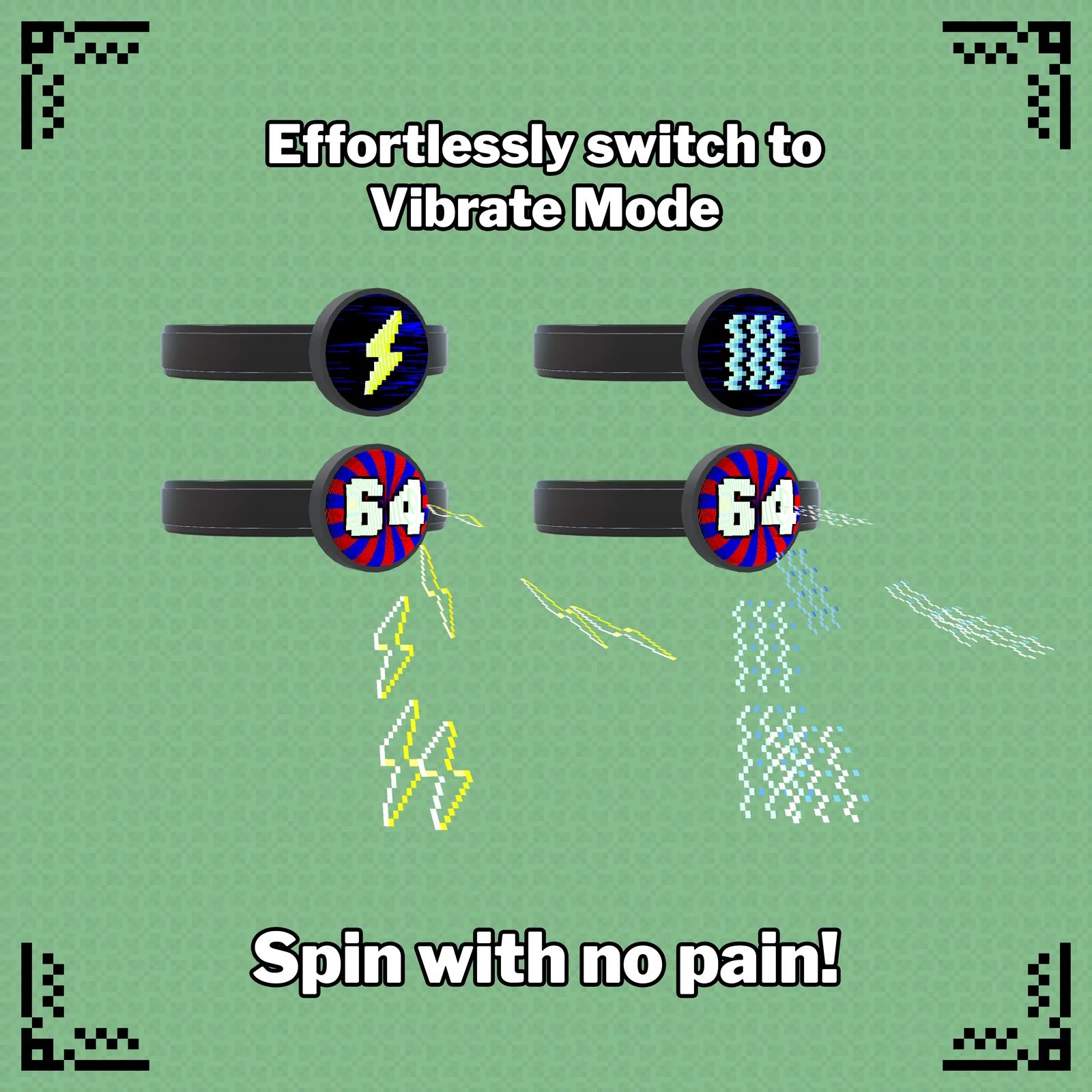
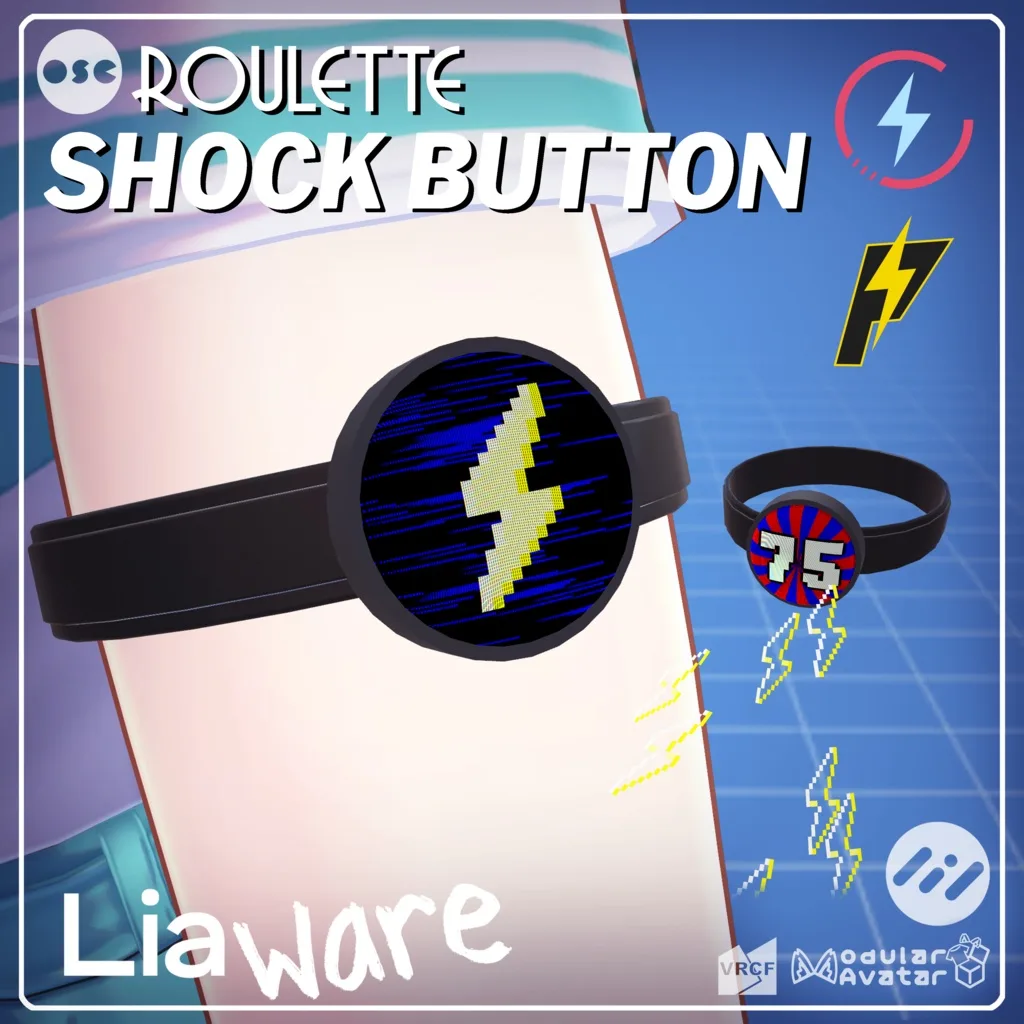
PiShock is the ideal solution thanks to its simplified installation and technical support. For example, the Roulette Shock Button compatible with PiShock/OpenShock adds a playful dimension to your VR sessions.
- For advanced users or in a virtual environment:
OpenShock is often preferred in contexts such as VRChat, where WiFi latency and stability can be problematic. The VRChat PiShock Controller project shows how to integrate PiShock into virtual worlds, but OpenShock offers more flexibility for custom configurations.
- For DIY or low-cost projects:
OpenShock allows you to build a custom system with inexpensive components. The GitHub community even offers solutions to control existing collars (such as Liindy) via OSC bridges.
- For outdoor use or over long distances:
The RF 433 MHz technology of OpenShock is more robust than WiFi, especially in the presence of obstacles or over long distances.
Safety and Best Practices
Regardless of the solution you choose, safety is paramount. Here are some rules to follow:
- Always read the safety guides: The OpenShock wiki and the PiShock documentation emphasize the importance of never leaving a collar active without supervision.
- Use appropriate intensities: PiShock shockers and OpenShock-compatible collars allow you to adjust the intensity. Always start with low levels to assess the reaction.
- Avoid interference: In an RF environment (OpenShock), check that no other device is using the same frequency (433 MHz). For PiShock, make sure your WiFi network is stable.
- Provide for an emergency deactivation system: Both platforms allow you to cut off stimulation remotely, but it is recommended to have a physical button or voice command as a backup.
Conclusion: Which Tool to Choose According to Your Project?
The choice between PiShock and OpenShock depends on your technical skills, budget, and specific needs:
- Choose PiShock if:
- You are looking for a ready-to-use solution with technical support.
- You are using platforms such as VRChat or Discord with native integrations.
- You prefer not to tinker and prioritize simplicity.
- Choose OpenShock if:
- You are comfortable with electronics and want to customize your setup.
- You need an extended range or outdoor use.
- You want to control existing collars via reverse-engineered protocols.
The two solutions can also be combined! For example, the PiShock hub now supports the OpenShock API, allowing you to use OpenShock shockers with the PiShock ecosystem. To go further, explore open-source projects on GitHub or join the PiShock Discord communities for personalized advice.
Whatever your decision, remember that safety and consent are the cornerstones of any practice involving electrical stimulation devices.
Never forget to play safely!
Be Geek, Be Kinky!
You may also like

Disability and Sexuality: Breaking Down Taboos for Guaranteed Intimate Fulfillment
Summer infidelity: should you confess everything or protect your relationship by remaining silent?
Is my partner really my soulmate? What science reveals about relationship doubts.
Uniform Fetish: What Your Attraction to Firefighters or Police Officers Reveals About Your Intimate Life
Couple's vacations: when the quest for the perfect photo puts stress in the spotlight.